Discover the top 7 AI tools changing how Designers work in 2025
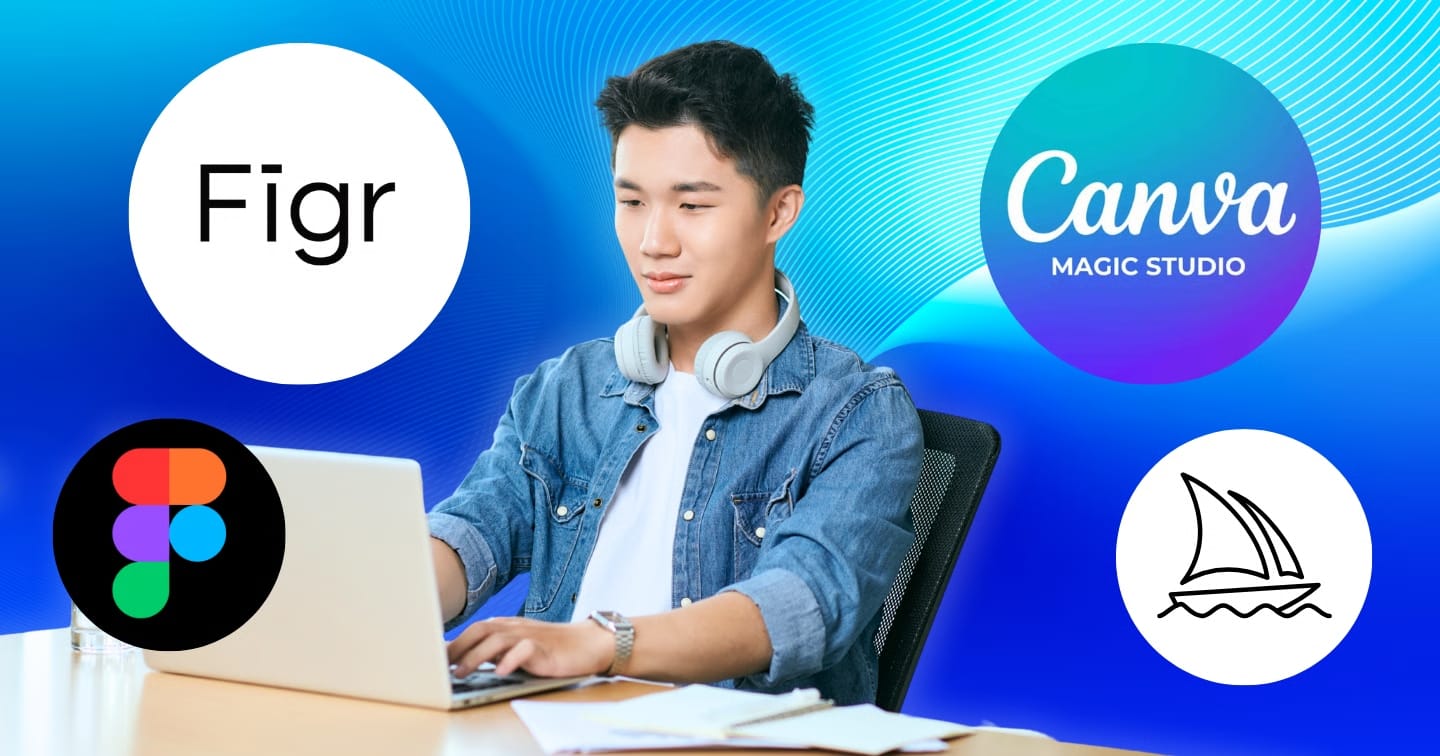
The design field is entering a period of major transformation as artificial intelligence (AI) reshapes how creative professionals work. Manual processes that once took hours for repetitive tasks are now significantly shorter thanks to AI tools, accelerating production and greatly expanding creative capacity as a result. As 2026 approaches, the following seven AI tools will become valuable assistants for Designers seeking to maintain a competitive edge and unlock their full creative potential.
Through analysis of professional adoption and evaluation of real-world impact, these seven tools are consistently recognized as the most transformative AI solutions in the design industry in 2025. They share the ability to integrate smoothly into workflows, measurable ROI, manageable complexity and readiness for future requirements. These qualities help Designers stay competitive in 2026 and beyond.
1. Figma AI: Intelligent design assistant in every process
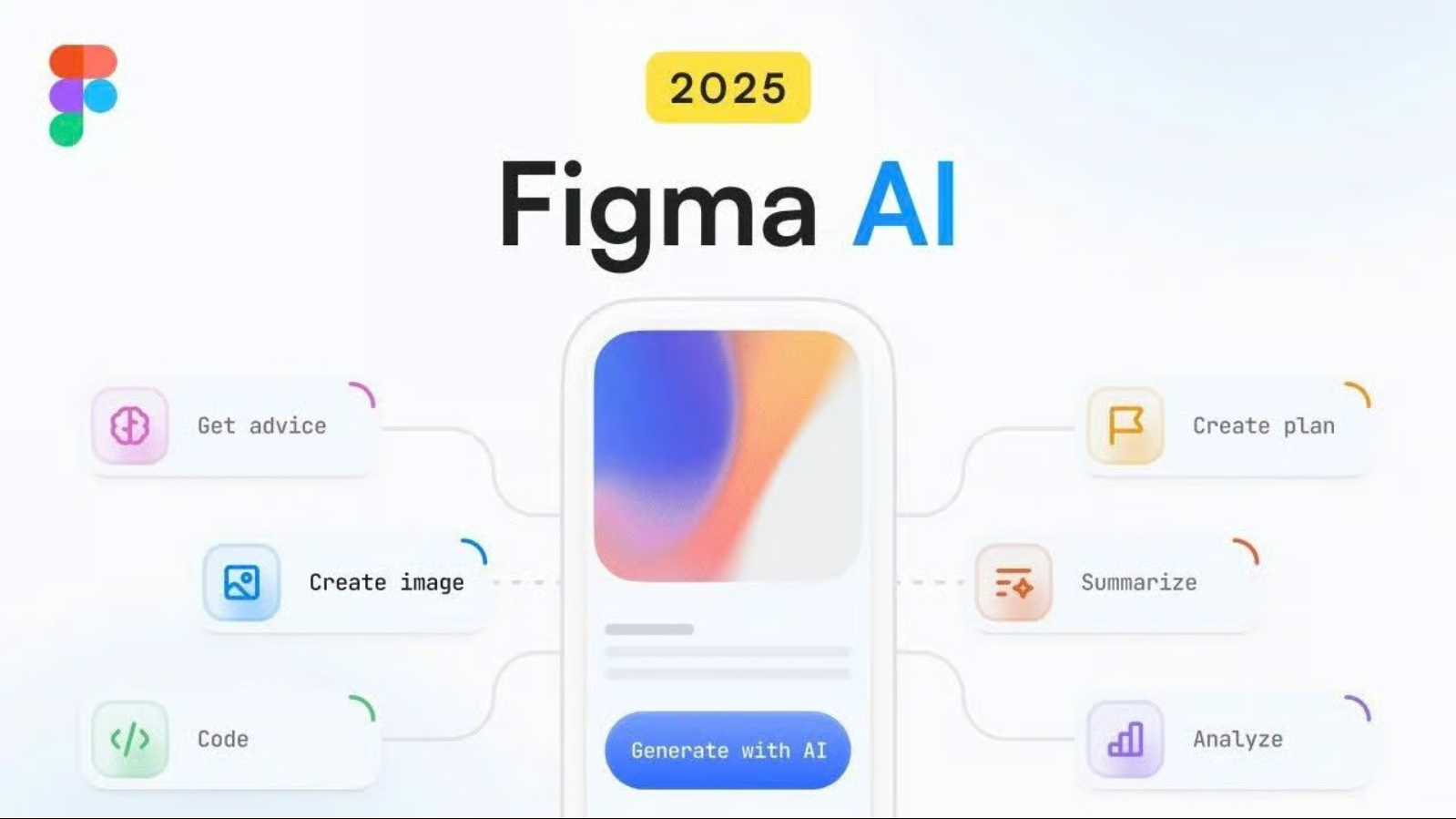
Figma AI is redefining the design experience on today’s most popular platform by integrating smart automation while preserving a natural feel and familiar workflow. First Draft is a standout feature, generating complete layouts from a simple text prompt. AI-powered auto-layout and smart components also eliminate time-consuming manual edits for Designers.
Key features:
- First Draft instantly creates layouts from text descriptions
- AI-assisted auto-layout and smart components
- Improved real-time collaboration
- Automatic duplication and text generation
Figma AI’s strength lies in fitting seamlessly into existing workflows, so Designer teams do not need to learn a new tool. AI enhances rather than replaces human creativity, helping UI/UX designers and product teams maintain consistency at scale, especially on complex projects with fast delivery cycles.
Price: Figma AI offers a free plan with limited credits. The Professional plan starts at $15/month with 3,000 AI credits, while the Enterprise plan costs $75/month with 4,250 credits for larger Designer teams.
2. Figr.design: AI design system automation platform
Figr.design is emerging as a powerful assistant for UI/UX teams by simplifying design-system creation through comprehensive automation. The platform uses AI to create brand guidelines, app flows, wireframes and interface layouts in one workspace. Its highlight is Figr Identity, a Figma plugin that creates a complete design system in one action, including color, typography, spacing, effects and layout-grid style tokens.
Key features:
- Automatic AI creation of design systems, including tokens and styles
- Smart clustering of colors, type and spacing from existing Figma files
- Library of more than 85 production-ready components (Pro plan)
- Automatic creation of variables and styles directly in Figma
- Export of complete design-system documentation
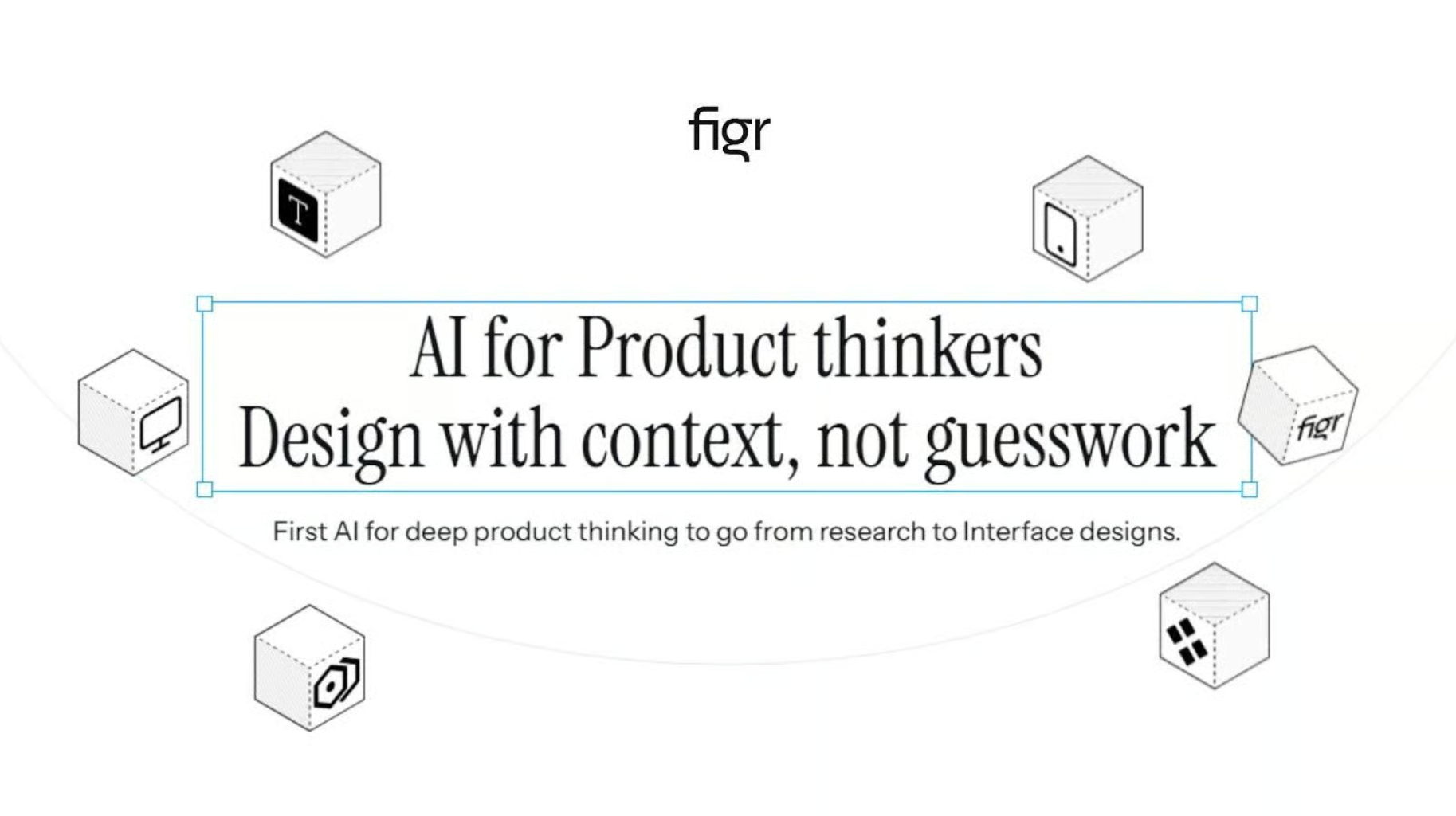
For teams already comfortable in Figma, Figr.design removes much of the time-consuming manual work involved in building and maintaining a design system. Its ability to “read” existing files and reorganize tokens consistently makes it valuable for continuously evolving products. More than 50,000 Designers currently use Figr as one of the most popular design-system plugins for Figma.
Pricing: Figr.design offers a free Starter plan with 10 weekly exports and basic AI features.
3. Canva Magic Studio: Accessible design solution for everyone
Canva Magic Studio continues to strengthen Canva’s position in making design accessible by bringing AI-powered creative tools to a broad audience. The system focuses on accessibility, allowing anyone from beginners to professional creators to produce visual work quickly and effectively. Magic Design instantly suggests templates, Magic Switch converts formats and languages, and Magic Media creates images and videos from a text description.
Key features:
- Magic Design quickly creates templates from input content
- Magic Switch flexibly converts formats and languages
- Magic Media creates images and videos from text prompts
- Magic Edit enables precise, intuitive image editing

Magic Studio shortens the distance between an idea and a finished product, especially for people without a design background who need to create high-quality content. The AI toolkit also improves professional creators’ experience through convenience and speed. Canva Magic Studio was named by TIME magazine among the Best Inventions of 2024.
Price: Canva offers a free plan with limited features. The Pro plan costs $149.90 per year, with team plans available for organizations and businesses.
4. Midjourney: Idea visualization tool for creativity
Midjourney remains prominent in AI imagery because it transforms text prompts into highly artistic visual concepts. Its distinctive aesthetic has made it an icon in the creative community, attracting more than 19 million registered users. Midjourney is especially useful for moodboards, concept development and exploring new visual directions for a project.
Key features:
- Advanced prompt processing with artistic interpretation
- Multiple styles and varied aspect ratios
- Stealth mode for private creative work (Pro plan)
- Community features for learning and inspiration

Midjourney stands out for creating strongly conceptual imagery. It is a valuable assistant for concept artists, brand designers and creative directors who need to visualize ideas quickly before detailed production begins.
Price: The Basic plan costs $10/month with 3.3 GPU hours. The Standard plan costs $30/month and adds unlimited Relax mode, while the Pro ($60/month) and Mega ($120/month) plans support intensive creative work with expanded resources.
5. Uizard: Accelerating prototype creation
Uizard is a fast bridge between an initial idea and a complete prototype. The tool uses AI to convert sketches, screenshots or wireframes into editable digital designs. By recognizing and recreating interface structures, Uizard turns hand drawings into clear mockups and converts existing apps into interactive prototypes in minutes.
Key features:
- Converts hand sketches into digital layouts
- Turns screenshots into editable designs
- Creates AI-generated wireframes and prototypes
- Real-time collaboration for teams
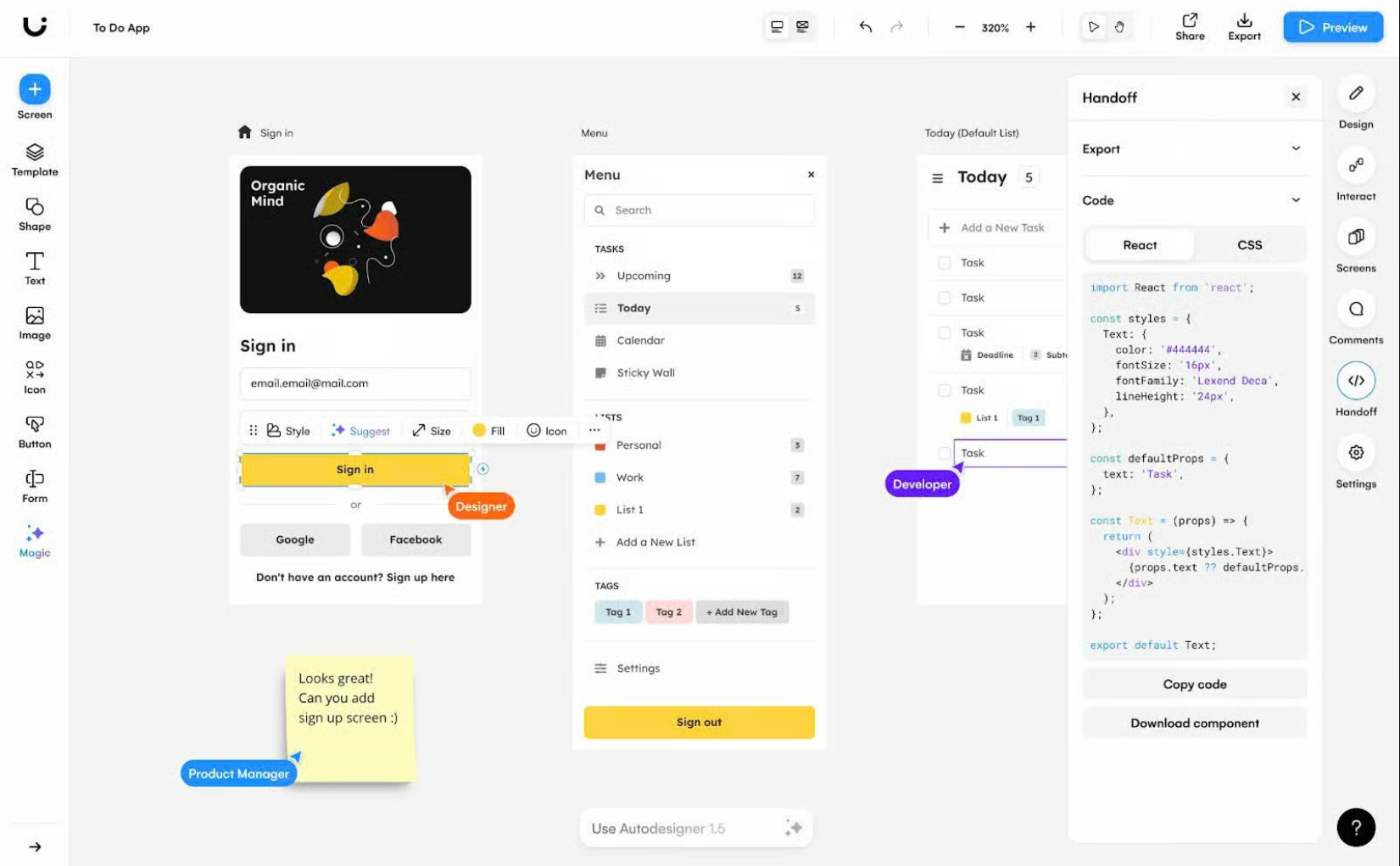
Uizard significantly shortens the beginning of the design process by removing the need to rebuild interfaces manually. It is particularly useful for startups, Product Managers and teams that prioritize prototyping speed, where rapid experimentation matters more than perfection in every detail.
Price: The free version allows up to two projects. The Pro plan costs $12/month with unlimited screens, while the Business plan costs $39/month and adds priority team support.
6. Pixyer.ai: Product-image creation for e-commerce
Pixyer.ai was developed as an AI background-generation tool specifically for e-commerce product photography. The platform removes backgrounds in seconds and creates professional new scenes, fully optimizing product-image production. Instead of investing in a studio, equipment or an editing team, users can create commercial-quality images with just a few steps.
Key features:
- Automatic background removal
- Diverse and customizable background library
- Image resizing for multiple commerce platforms
- API integration for batch processing
- High-resolution file export
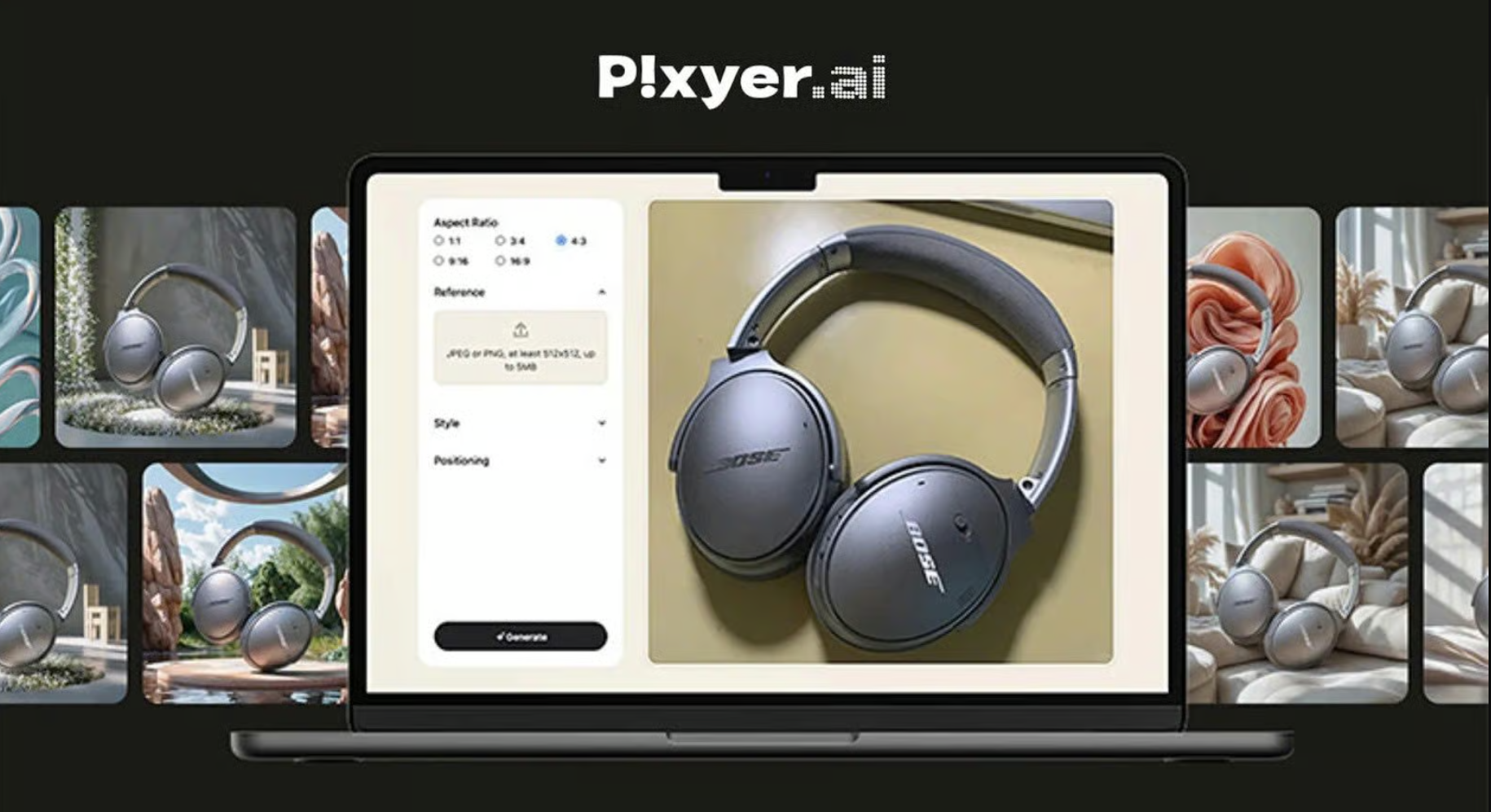
Pixyer.ai removes costly steps from traditional product photography by turning a simple photo into a studio-quality image. It is designed for online sellers, Influencers and businesses that need to scale visual-content production without major investment in equipment or post-production skills.
Pricing: The platform offers a free trial with up to 5 images, 10 MB storage limit, and watermarked downloads.
7. Khroma: AI tool to personalize color palettes
Khroma is built as an AI-powered “color assistant” that learns each user’s aesthetic preferences to generate countless suitable palettes. The process begins by selecting preferred colors, after which a neural network analyzes them and creates personalized combinations with accessibility assessments and technical specifications.
Key features:
- AI training based on color preferences
- Unlimited palette generation and fast search
- Accessibility checks against WCAG standards
- Multiple views, including typography, gradients and images
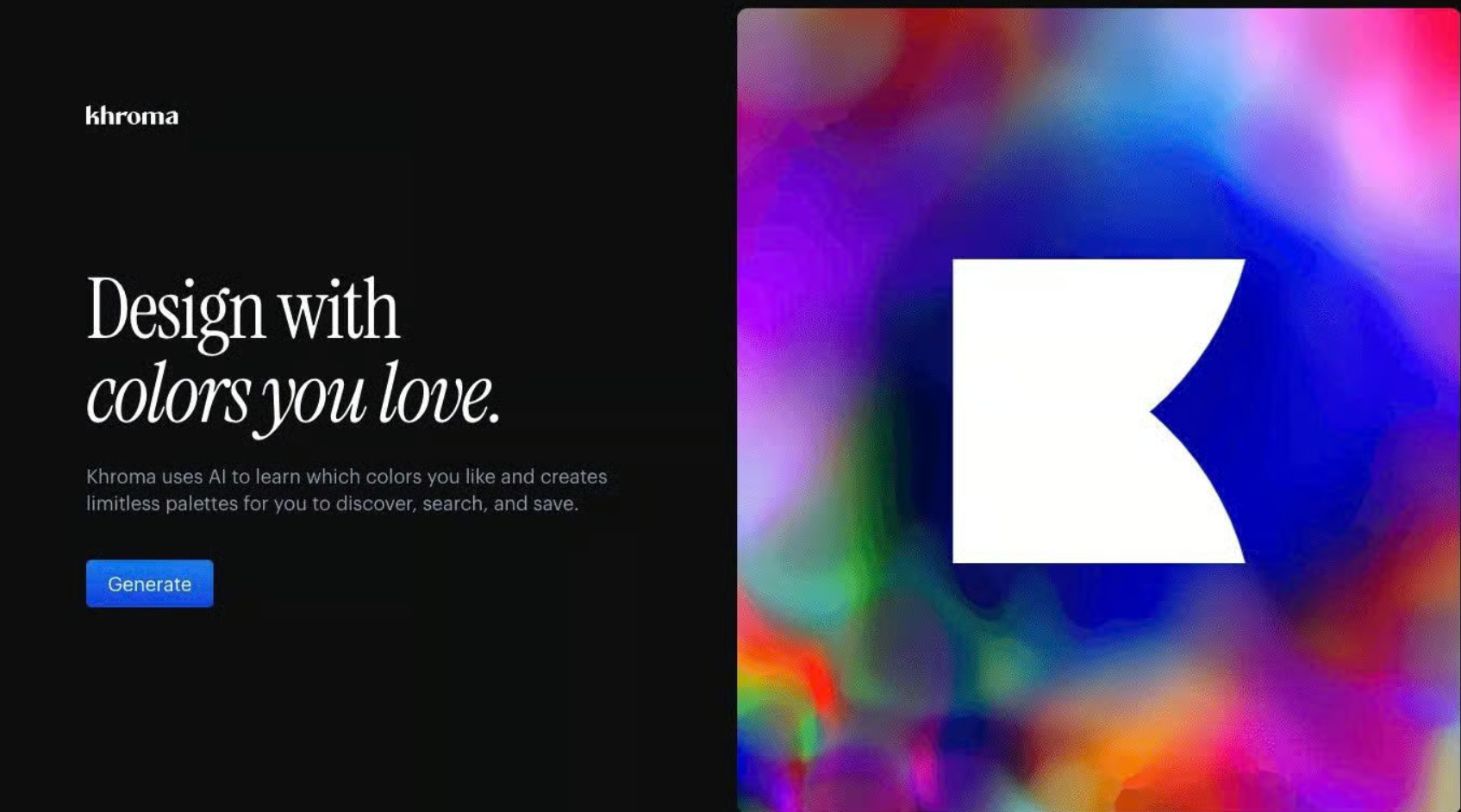
Color selection is often one of the stages that slows down design work. Khroma addresses this bottleneck by offering combinations that are both personalized and compliant with usability standards. This helps Designers shorten experimentation time and maintain consistency in their visual direction.
Price: Khroma is completely free with all features included, making it broadly accessible to every Designer, from professionals to beginners.
Conclusion
To use AI tools effectively in design, the key is an implementation strategy rather than completely replacing existing processes. Each creative team should prioritize tools that address limitations or improve weak points in its work, such as using Figma AI for layouts, Midjourney for ideas or Khroma for color. Mastering each tool gradually helps prevent operational overload.
The best approach is to use AI as a creative assistant for time-consuming tasks, from generating variations to developing initial concepts or refining repetitive steps. However, people remain essential to creative and aesthetic decisions that cannot be fully automated. As 2026 approaches, AI-literate Designers are moving from technical operators toward creative strategists. The ability to direct and improve AI-generated work is becoming increasingly important alongside traditional design skills. People who excel at human-AI collaboration will have clear advantages in speed, flexible thinking and problem-solving.
Nhu Quynh_Advertising Vietnam